Sokoban Mobile: Browser Play, Touch Controls, and Setup Tips
Sokoban mobile can mean three different things: a touch-friendly browser game, a native phone app, or a desktop-style game opened on a small screen. The important question is not just whether the page loads. It is whether you can make one deliberate push without losing the board to accidental taps, scrolling, or a missing undo button.
If you want to try Zeek the Geek on a phone, read the control note first. This site currently presents Zeek as a keyboard-first browser game, not as a touch-control app. A tablet with a Bluetooth keyboard can be a sensible setup; a phone-only session is better served by a page that visibly offers touch controls.
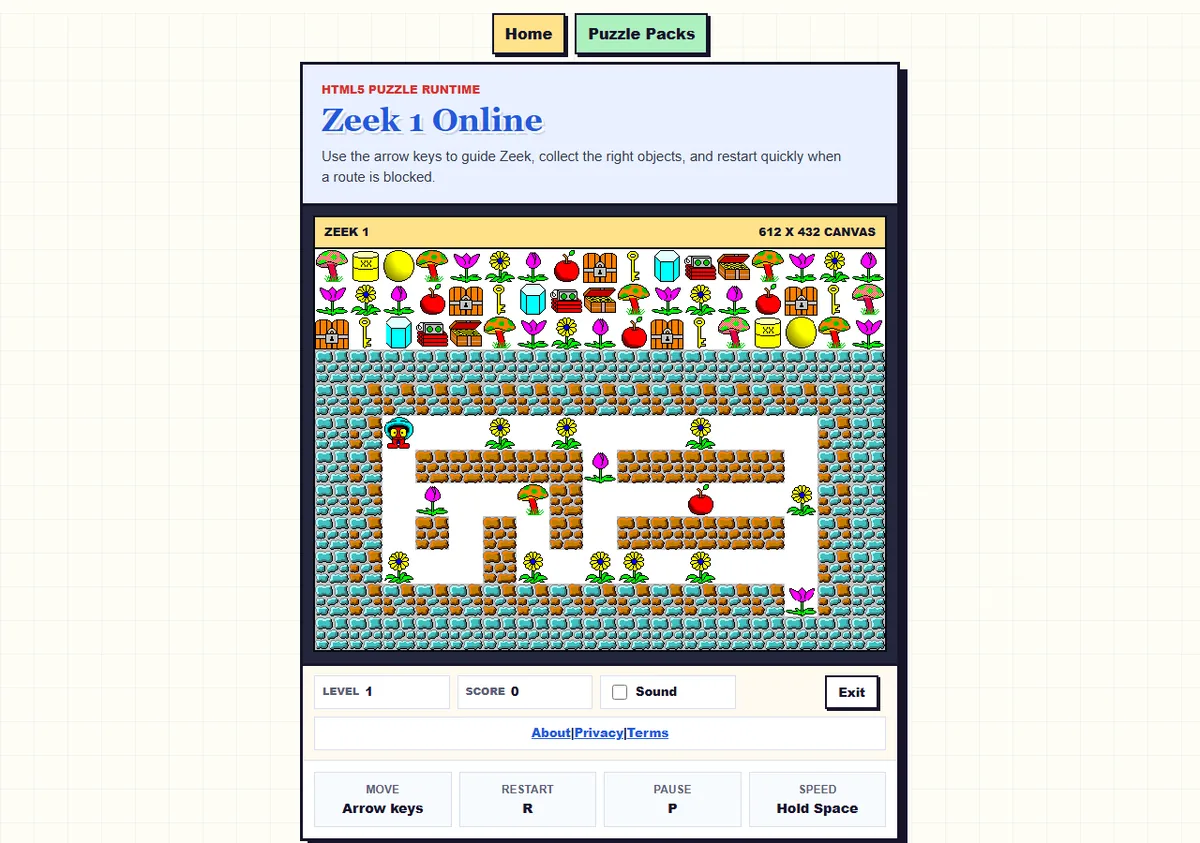
A real Zeek board from this site. It is shown as a puzzle-surface example, not as a mobile screenshot or a claim that the board has touch controls.
What “Sokoban mobile” should mean
The phrase is broad. Some people mean any Sokoban puzzle that fits a phone screen. Others mean a native app, a mobile browser game with on-screen arrows, or a classic desktop puzzle opened in landscape mode. Those are different experiences, so compare the controls before comparing the artwork.
| Format | Good fit | Question to ask |
|---|---|---|
| Touch-first browser page | Short sessions and no install | Are swipe or direction buttons visible and responsive? |
| Native mobile app | Offline play, saved progress, or stronger touch UI | Which permissions, save rules, and current store details apply? |
| Desktop-style browser game | Keyboard players and larger tablets | Does the game require focus, arrow keys, or a physical keyboard? |
| Bluetooth keyboard on a tablet | Precise moves on a bigger screen | Can the page keep focus while the board is resized? |
A responsive layout alone does not make a game touch-friendly. The board may shrink correctly while the input layer still listens only for keyboard events. For an irreversible puzzle, that difference matters more than whether the page technically fits inside the viewport.
Check the phone or tablet setup first
Before starting a level, make the playing surface predictable. Use landscape mode when the board is wide, keep the browser controls from covering the bottom row, and zoom only far enough to read the board without forcing horizontal scrolling. If a game uses a focusable frame, tap or click the frame once before sending input.
- Test one move: confirm that one input makes one intended move, not a repeated or delayed sequence.
- Test restart: find the restart control before a difficult level starts.
- Check the board edge: make sure a phone gesture does not scroll the page instead of moving the player.
- Keep the screen awake: short interruptions are less frustrating when the current board remains visible.
- Use a keyboard when needed: a compact Bluetooth keyboard is often more precise than forcing a desktop-style puzzle into touch gestures.
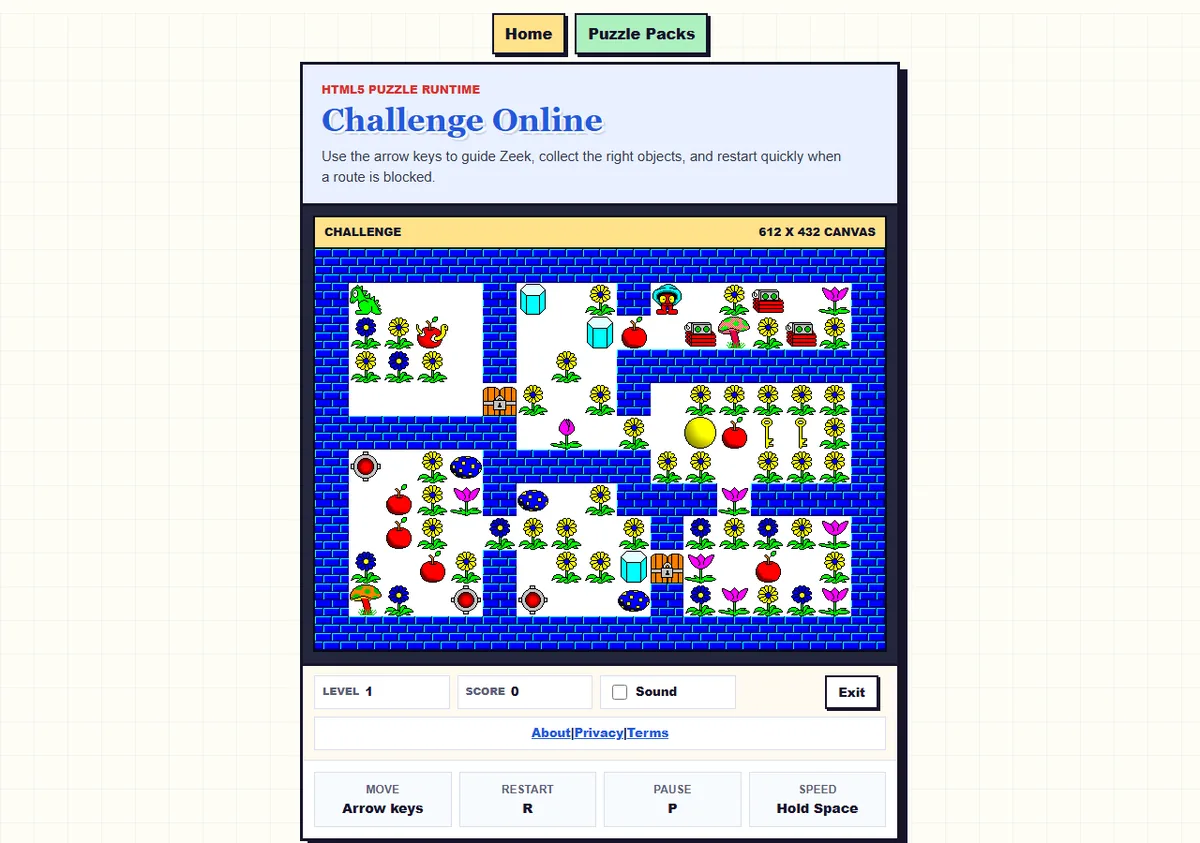
A real Challenge board from Zeek. Narrow routes make input testing important: a touch page should make an accidental push easy to notice and easy to undo.
What this Zeek page currently supports
The Zeek page on this site is a browser entry point for puzzle packs, with a game frame and keyboard guidance. The underlying game listens for keyboard direction input. The page does not currently present a dedicated mobile direction pad or a swipe layer, so it should not be described as a touch-control Sokoban app.
That does not make Zeek unusable on every mobile device. A tablet with a physical keyboard can provide the precision the board needs, and a large screen makes the game frame easier to inspect. A phone with no keyboard is a weaker fit because the page cannot turn a tap into a safe direction unless the device or browser supplies another input method.
For the direct browser experience, use the Zeek puzzle-pack page. For desktop compatibility notes, see the Windows 11 guide. Neither page is an APK or installer download page, and this mobile guide does not invent a file, version, or safety claim.
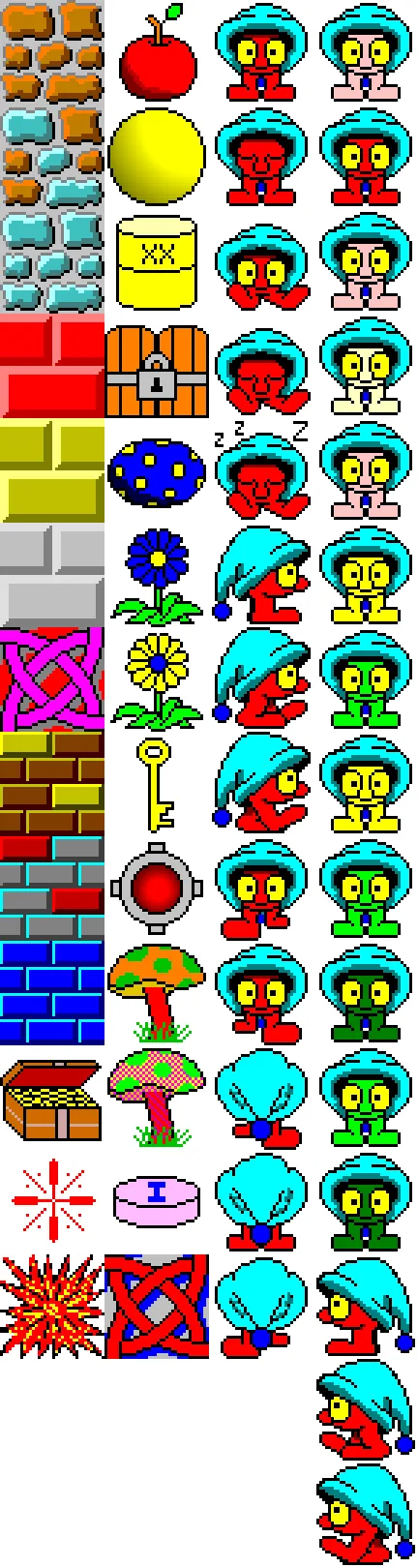
Real Zeek object imagery used to explain why board readability and input precision matter when the screen is small.
Touch-control checklist
If you choose a touch-first Sokoban mobile page, look for controls that reduce the cost of an accidental action. A good mobile puzzle does not need a complicated interface, but its important states should be visible and reachable with one hand.
| Feature | Why it matters on a phone | What to verify |
|---|---|---|
| Large direction buttons or clear swipes | Small targets cause unintended pushes. | Can you repeat a move without missing the control? |
| Undo and restart | One push can permanently change a board. | Does restart return to the same level state? |
| Readable board scaling | Small tiles hide corners and goals. | Can you see the whole board without browser zoom? |
| Level selection | Mobile sessions are often short. | Can you leave and return without losing your place? |
| Scroll and focus behavior | Page gestures can become game inputs or vice versa. | Does the page stay still while you play? |
Touch controls are not automatically better than keys. They are better when the page gives clear feedback, keeps the board stable, and makes recovery easy. For a difficult level, a visible restart button may be more valuable than a decorative theme.
Browser versus touch-first play
Choose a browser page when you want to start quickly, test a board, or avoid installing an app. Choose a touch-first app or browser game when your phone is the only input device and you need on-screen movement. If you need offline play or long-term progress, verify those features on the current first-party page instead of assuming that every mobile Sokoban supports them.
A useful comparison is the control contract: what input goes in, what state changes, and how easily can you recover? A phone page that offers no undo may be fine for tiny beginner levels and frustrating for a dense board. A keyboard-first page may be excellent on a tablet and awkward on a narrow phone. Match the tool to the board, not only to the word “mobile.”
Touch-focused examples such as the official Soko++ mobile page show why a dedicated mobile mode can be useful. Browser collections also vary widely, so check the actual control surface, not just a “play online” label. The important information should be visible before you commit to a long puzzle.
Mobile solving habits that reduce mistakes
Small screens reward conservative play. Pause before every irreversible push, keep the next standing square in view, and avoid holding a direction unless the page clearly documents repeat behavior. If the board is crowded, rotate the device or use a larger display before guessing.
- Plan the final approach to a goal before moving the nearest object.
- Use restart early when a box loses its only useful direction.
- Keep the board centered so a browser gesture does not hide a corner.
- Use the Sokoban levels guide for deadlocks and route planning.
- Use the small-board solver when you want to test an ASCII position rather than play a full pack.
These habits also explain why Zeek fits the wider Sokoban family without being a pure crate-and-goal game. Keys, doors, hazards, and other objects still make future access important. On a small screen, preserving that access is more useful than chasing the shortest walking route.
Sokoban mobile FAQ
Can I play Sokoban on a phone?
Yes, if the page provides touch input or you connect a keyboard. A responsive layout alone does not prove that the game accepts taps or swipes.
Does the Zeek the Geek page have touch controls?
The current page is keyboard-first. It does not add a dedicated swipe layer or on-screen direction pad, so a tablet with a physical keyboard is a better fit than a phone-only setup.
Should I use a browser or a mobile app?
Use a browser for quick, no-install play. Use a touch-ready app or page when you need large controls, offline behavior, or saved progress, and verify the current official details before relying on them.
What should I check before a mobile level?
Test one move, locate restart, check board readability, prevent accidental scrolling, and confirm that the page does not repeat a direction unexpectedly.
Is this a Sokoban APK or download page?
No. This site provides browser content and a browser game. It does not publish an APK, installer, version file, or safety-scan result.
Sources checked
This guide compares the repository's real keyboard behavior with first-party mobile/browser examples. The Soko++ mobile page was checked as a touch-oriented example; it is not presented as part of Zeek or as an official Zeek asset.
Choose the right way to play
Open Zeek on a keyboard-friendly device, or choose a touch-first Sokoban page when the phone is your only input device.
Play Zeek online Read compatibility notes