 Zeek the Geek
Zeek the Geek Level Editor Guide
The Zeek the Geek level editor is easiest to learn when building and puzzle design are treated separately. Make a board that can be completed, add constraints one at a time, test every permanent move, save the level as a .zlv file, and export only after the route is stable.
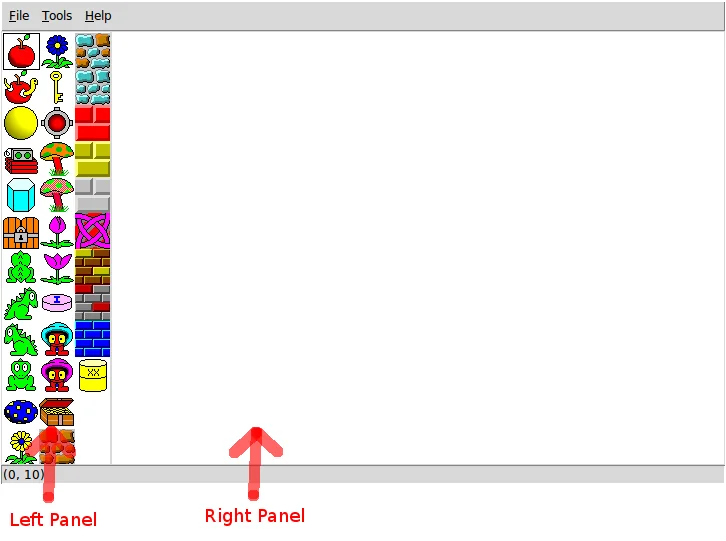
Official designer interface included with this project: object palette on the left and level stage on the right.
What the level editor does
The designer places game objects, saves individual levels, and combines tested levels into a puzzle pack. It is a desktop authoring tool rather than the browser game. Use Designer Help for exact commands and this guide for planning a fair puzzle. Start with a clear start, a visible goal, one route-changing object, and enough floor to approach it from the required side.
Start with the solution route
Write the intended solution before decorating. Mark Zeek's start, the final objective, every key or gate, movable objects, and spaces that must remain open. Trace the route backward from the goal. Reserve approach tiles around boulders, mushrooms, gates, and narrow corridors.
Place objects in a safe order
Build floor and walls first, add Zeek and the goal second, then place keys, locks, hazards, movable objects, and rewards. Test after every category. Every object should teach a rule, restrict a route, reward exploration, or support the theme.
Use a four-pass testing workflow
Verify that the board starts, complete the intended route, deliberately try the most obvious wrong route, and restart to solve from zero without editor knowledge. Record the first irreversible mistake rather than the final blocked state. Change one element at a time.
Balance difficulty without hiding rules
Difficulty should come from planning depth, not invisible information. Show important keys, locks, branches, and route-changing objects early enough to form a plan. Beginner boards teach one lesson; advanced boards combine rules while keeping failure understandable.
Save .zlv files and export
Save each stable level as its own .zlv file with a sortable name such as pack01-level01.zlv. Keep a copy before major experiments. Export only tested levels, order them from easiest to hardest, and verify loading, progress, restart behavior, and completion in a clean browser session.
Pre-export checklist
Check that Zeek can reach every objective, every key has a purpose, locks open in the intended order, movable objects retain an approach tile, no decoration creates an accidental shortcut, and the puzzle still works after a full restart.
Test the level in the real game
A level is not finished when it looks complete in the editor. Run it from a clean start and watch for misleading routes, shortcuts, blocked approach tiles, and objects that can be ignored.
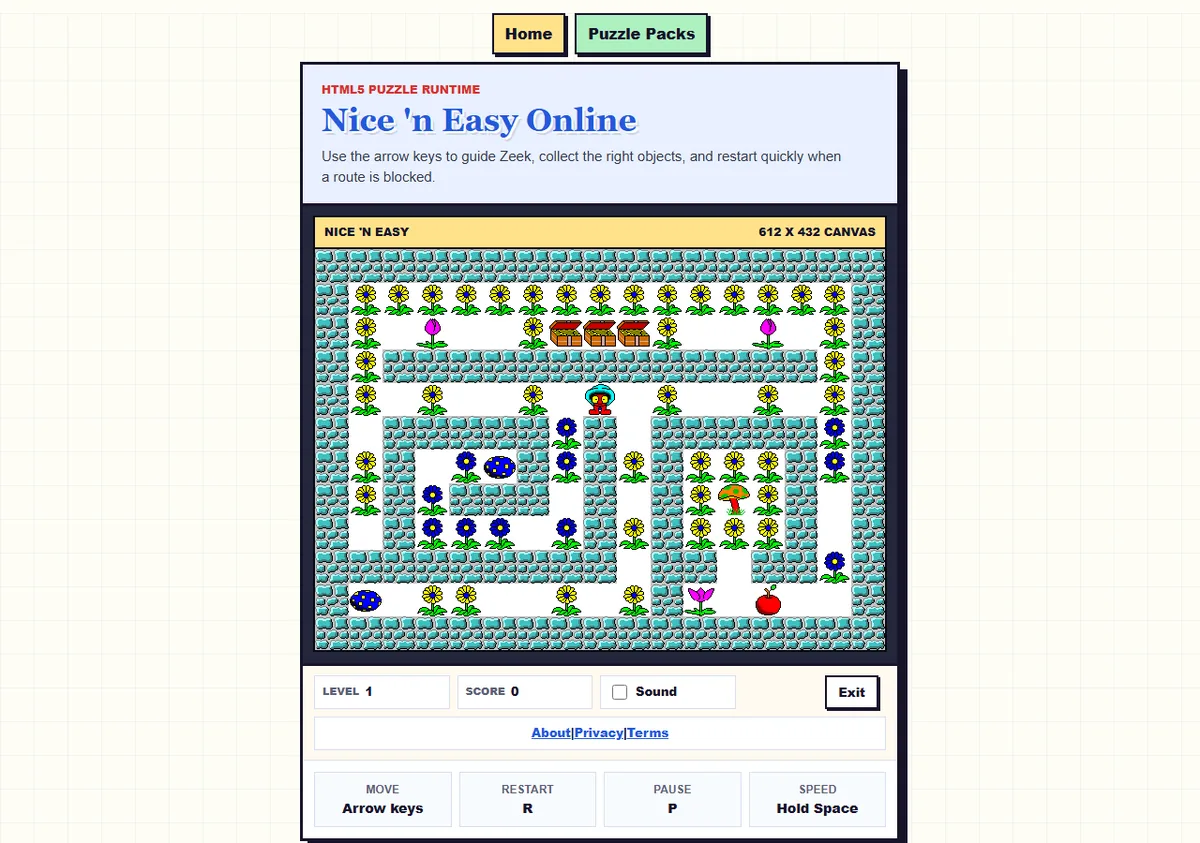
Real gameplay from this site's browser version.
Puzzle design review table
| Design question | Good signal | Warning sign |
|---|---|---|
| Goal readability | Objective and blockers are visible | A hidden rule decides the solution |
| Permanent moves | Consequences can be predicted | One click destroys the route |
| Difficulty curve | Each level adds one combination | The first level uses every object |
| Repeatable tests | The first failure has a clear cause | Many edits change at once |
Level editor FAQ
Is the editor the browser game?
No. The designer creates levels; the browser game verifies exported packs.
What is a .zlv file?
It is the level file saved by the designer.
Should I add JavaScript first?
No. Prove the board works with standard objects before adding code.
How do I know a puzzle is fair?
Important consequences should be understandable from visible board information.
Ready to build a level?
Open the command reference, then keep this checklist beside the designer while you build and test.
Open Designer Help